
Solution · Knowledge to action
Turn scattered knowledge into work your agents can do
The knowledge your teams need is already there, spread across files, databases, storage and the RAG systems you have built. Each source names things differently, so AI answers miss the connections. ArchyKnowledgebase brings it together and gives it structure, and agents on the Archy AI Platform use it in the workflows you run.
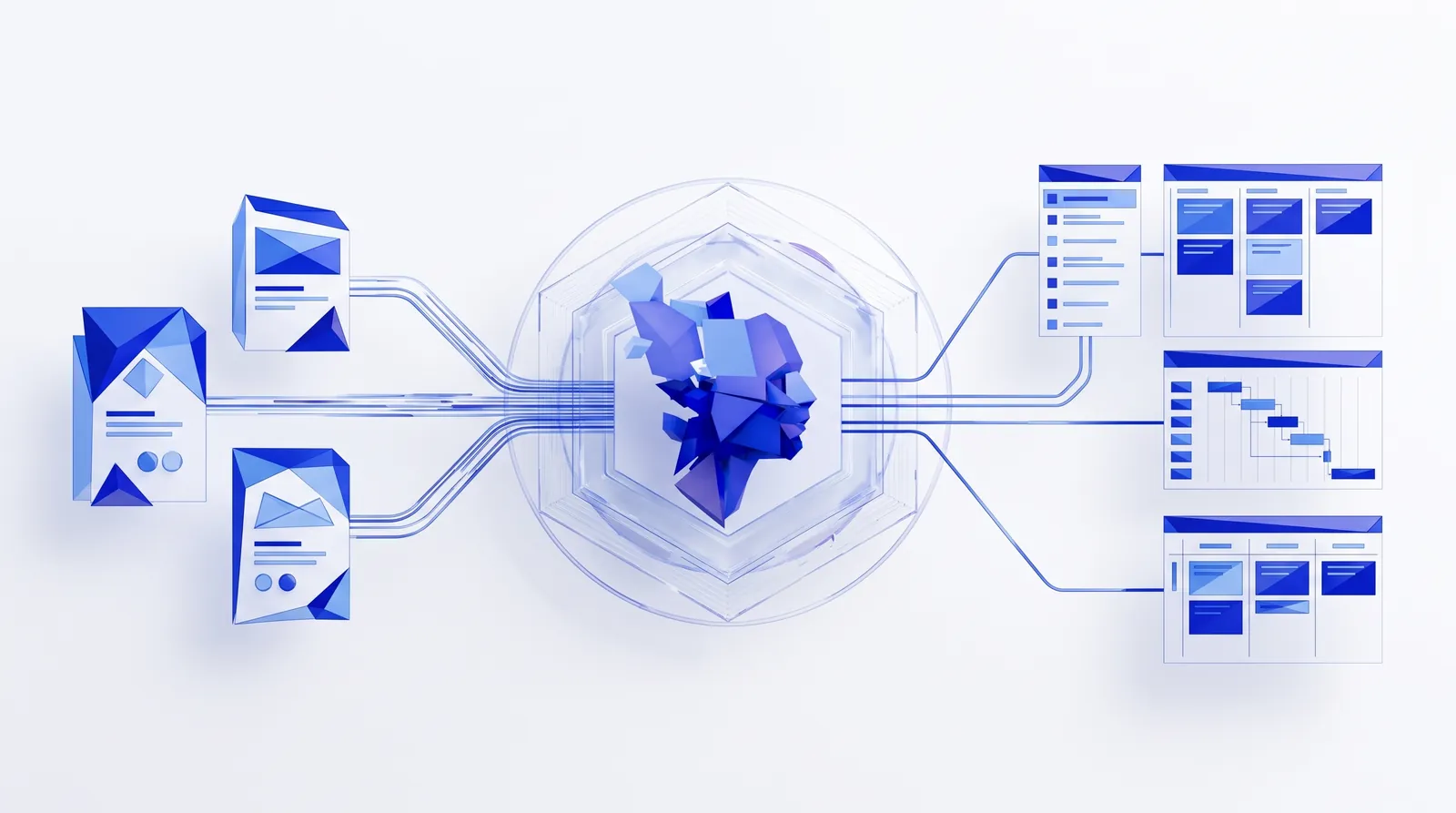
Before and after
What changes when knowledge has structure.
| The work | Today | With Archy |
|---|---|---|
| Finding the sources | Knowledge sits in files, databases and object storage, owned by different teams. | ArchyKnowledgebase ingests data from multiple sources into one data pipeline. |
| Making sense of it | Each source names the same thing differently, and plain search misses how things relate. | Transformation, ontology analysis and taxonomy analysis give the knowledge structure: what things are, how they relate and where they belong. |
| Storing it | One vector index, which finds similar text but loses relationships. | A graph knowledge base for relationships, vector storage for meaning, and conceptual snapshots for point-in-time views. |
| Existing investments | RAG systems and vector databases you already built sit apart from new AI work. | Connect them to ArchyKnowledgebase, one or several, and use them alongside everything else. |
| From answer to action | Answers stay in a chat window, and someone still has to do the work. | Agents in ArchyAgents workflows use the knowledge to do the work. Workflows start in ArchyAgents or through the platform API or MCP server. |
| Seeing what happened | Hard to tell what an AI tool looked at or did. | Every run is traced and recorded, with a history of workflow runs. |
Finding the sources
Today
Knowledge sits in files, databases and object storage, owned by different teams.
With Archy
ArchyKnowledgebase ingests data from multiple sources into one data pipeline.
Making sense of it
Today
Each source names the same thing differently, and plain search misses how things relate.
With Archy
Transformation, ontology analysis and taxonomy analysis give the knowledge structure: what things are, how they relate and where they belong.
Storing it
Today
One vector index, which finds similar text but loses relationships.
With Archy
A graph knowledge base for relationships, vector storage for meaning, and conceptual snapshots for point-in-time views.
Existing investments
Today
RAG systems and vector databases you already built sit apart from new AI work.
With Archy
Connect them to ArchyKnowledgebase, one or several, and use them alongside everything else.
From answer to action
Today
Answers stay in a chat window, and someone still has to do the work.
With Archy
Agents in ArchyAgents workflows use the knowledge to do the work. Workflows start in ArchyAgents or through the platform API or MCP server.
Seeing what happened
Today
Hard to tell what an AI tool looked at or did.
With Archy
Every run is traced and recorded, with a history of workflow runs.
How it works
From data in many places to a workflow that acts on it.
Connect your sources.
Files, databases and object storage, plus any RAG systems or vector databases you already run.
Process and structure.
Ingest, transform, and analyse ontology and taxonomy so the knowledge fits together.
Store it three ways.
Graph knowledge base, vector storage and conceptual snapshots.
Design the workflow.
In ArchyAgents, decide which agents take part, which tools they use and which knowledge they draw on.
Run it.
Start the workflow in ArchyAgents, or from another system through the platform API or MCP server. Edit or stop it at any time.
See what each run did.
Follow traces and run history, and improve the workflow where it fell short.
Who and what is involved
The people, agents, tools and knowledge behind the work.
People
- Your data or platform team connects sources and runs the data pipelines.
- Domain experts say which sources matter and what the knowledge should answer.
- Workflow owners design, edit, start and stop the workflows in ArchyAgents.
Agents
Agents designed in ArchyAgents, each with one job in the workflow.
Tools
- Your systems and software, through the Model Context Protocol (MCP).
- The platform API and MCP server, to start workflows from other systems.
Knowledge
- ArchyKnowledgebase: data pipelines, a graph knowledge base, vector storage and conceptual snapshots, served through advanced RAG.
- Your own RAG systems and vector databases, connected to ArchyKnowledgebase.
- Built-in RAG and knowledge management, and short- and long-term agent memory, on the Archy AI Platform.
Example
One question, answered from many sources, then acted on.
Illustrative example
Sources connected
Product specifications as files, a customer database, and signed contracts in object storage.
Question the workflow starts from
“Which customers have contracts that refer to the product version we plan to retire?”
What the knowledge adds
The ontology links products, versions, contracts and customers, even where each source names the product differently.
Output
- A list of affected customers and the contracts that mention the retiring version
- A draft briefing for each account team, prepared by the next agent in the workflow
- A trace of the run, showing what each agent did
Example for illustration. Your sources and workflow decide the questions and outputs.
Products involved
The Archy products behind this solution.
- Data and Knowledge Platform
ArchyKnowledgebase
Ingests data from multiple sources, structures it, connects your own RAG systems and makes it available to Archy agents through advanced RAG.
Explore ArchyKnowledgebase - Workbench and user interface
ArchyAgents
Design the workflows that put the knowledge to work, and edit, start and stop them.
Explore ArchyAgents Archy AI Platform
Agents, tools via MCP, built-in RAG and knowledge management, agent memory and observability.
See the platform
Under the hood: ArchyKnowledgebase is built on Dagster for data orchestration, with Qdrant, Redis and Neo4j. Ontology and taxonomy pipelines on top make advanced RAG possible, beyond plain vector search.
Before you start
What to have in place.
- A first set of sources: the files, databases or storage where the knowledge lives today.
- The questions or tasks the knowledge should support, from the people who know the domain.
- Any RAG systems or vector databases you want to keep using.
- One workflow to start with, and a team that will own it in ArchyAgents.
Frequently asked questions
The Archy AI Platform has built-in RAG and knowledge management for storing and retrieving information. ArchyKnowledgebase is a separate Data and Knowledge Platform for knowledge that comes from many sources and needs processing before it is useful.
No. Vector storage is one of three knowledge stores. A graph knowledge base keeps the relationships between things, conceptual snapshots keep point-in-time views, and ontology and taxonomy analysis give the knowledge structure before it is stored.
Files, databases and object storage, and your own RAG systems or vector databases. ArchyKnowledgebase is built on Dagster, whose integrations can bring in knowledge from many more sources. We confirm the sources for your setup in the walkthrough.
Yes. Connect one or several to ArchyKnowledgebase, and your agents use them alongside the knowledge ArchyKnowledgebase prepares.
In ArchyAgents, or from another system through the platform API or MCP server. You can edit or stop a workflow at any time.
Yes, through an enterprise deployment: PaaS in your environment, with full data isolation and customisation.
Knowledge to action
Bring one question your teams struggle to answer.
Tell us where the knowledge lives and what should happen once the answer is found. We will show you how it would run on the Archy AI Platform.
Other solutions
New requirements arrive as documents full of gaps.
Turn them into fully documented feature requests in Jira, written to your standards, with summaries leaders can follow.
Explore software deliveryProducts involved: ArchyAssistant · ArchyAgents · ArchyKnowledgebase
Content has to go out every week, on brand, on every channel.
Go from one brief to published articles and team-approved social posts.
Explore content operationsProducts involved: ArchyPress · ArchySocial
You have an idea, but no product definition yet.
Describe it and receive documentation, goals, OKRs, KPIs, a sample backlog and a proposed architecture by email.
Explore ArchyStarterProducts involved: ArchyStarter